
The Portal's calls screen can be used to locate a specific call, listen to it and additional actions.
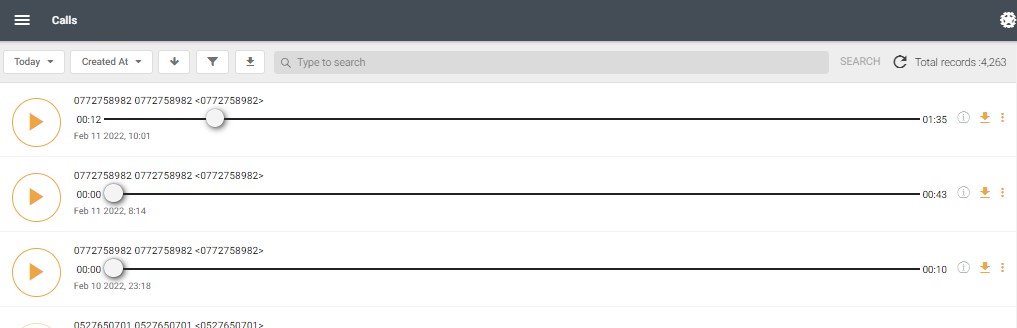
The icons have the following functions:

Additionally, a custom search funnel is available to fine-tune the search:
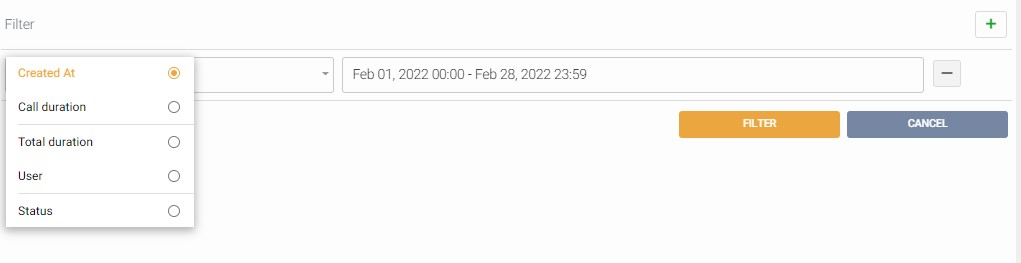
By pressing the "+" icon, you can define a filter to find a specific call.
Press the filter button when done or press the "-" icon to remove a specific search filter item.
Comments
0 comments
Please sign in to leave a comment.